

Roles and permissions
The seven predefined OrkStage roles (three for the platform, four per tenant), what each can do, and how every request enforces tenant isolation.
OrkStage has seven predefined roles. Platform roles apply to the whole installation. Tenant roles apply per tenant, so one user can be an admin in one tenant and a viewer in another.
Platform roles
| Role | Can |
|---|---|
PlatformOwner | Everything, including global settings. |
PlatformAdmin | Everything except changing global settings (it can read them) and deleting the organization. Manages cloud targets, templates and tenants. |
PlatformOperator | Read everything except settings. Deploy, restart, scale and approve instances. Create and update incidents, and update status pages. Cannot manage cloud targets, publish templates or destroy instances. |
Tenant roles
| Capability | Owner | Admin | Developer | Viewer |
|---|---|---|---|---|
| Read instances, deployments, services, incidents, status page, notifications | ✓ | ✓ | ✓ | ✓ |
| Read templates, applications and the tenant's limits | ✓ | ✓ | ✓ | ✓ |
| Deploy and restart instances | ✓ | ✓ | ✓ | |
| Import IaC | ✓ | ✓ | ✓ | |
| Create, update, scale, destroy and approve instances | ✓ | ✓ | ||
| See the team (members and pending invitations) | ✓ | ✓ | ✓ | ✓ |
| Read the audit log | ✓ | ✓ | ||
| Manage API keys and webhooks | ✓ | ✓ | ||
| Invite people, change roles, remove members, update the tenant | ✓ |
Tenant roles never get access to cloud targets, settings or template publishing.
Team and invitations
Settings > Team lists the members of a tenant with their roles, and the invitations still pending. Owners (and platform staff) invite people by email with a role:
- The person receives an email with a link that works once and expires after 7 days. The inviter also sees the link once, to share it directly if the email does not arrive.
- They accept it signed in with the invited address; another account is refused. If they sign in through SSO for the first time with that address, the account is created with the invitation's membership.
- Inviting the same address again replaces the previous link. Owners can revoke an invitation.
Owners change roles and remove members; anyone can leave a tenant. A tenant always keeps at least one owner, so the last owner cannot be demoted or removed until someone else is an owner. Every invitation, acceptance, role change and removal is in the audit log.
The API is GET /tenants/{id}/members, POST /tenants/{id}/invitations,
PATCH and DELETE /tenants/{id}/members/{userId}, and POST /invitations/{token}/accept.
How it is enforced
- The request is authenticated with a session cookie or an API key.
- Queries for records that belong to a tenant are filtered by the caller's memberships.
- Every loaded record is checked against the same rules (CASL) before any action.
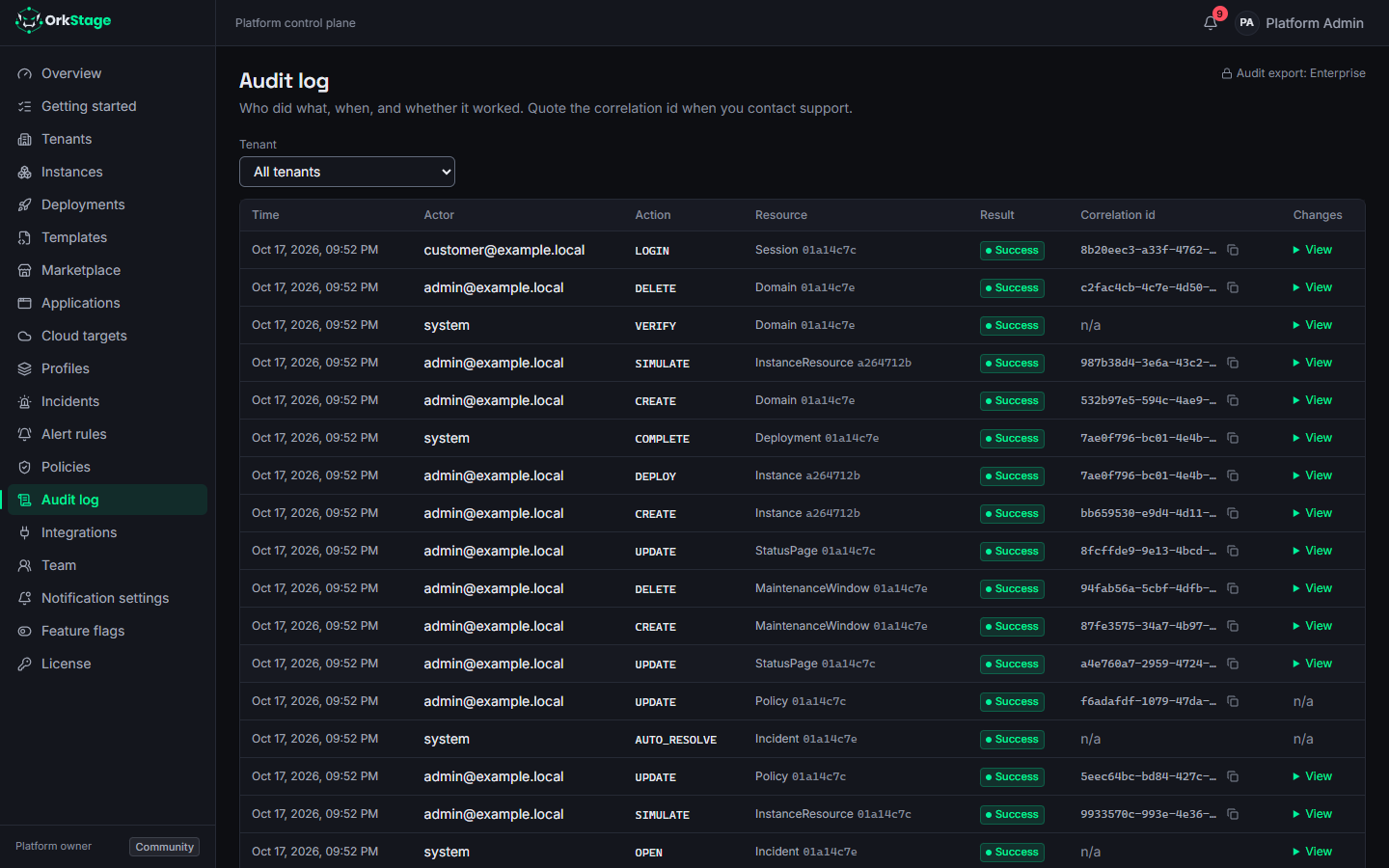
- The action is written to the audit log.
A request for another tenant's record gets 404, not 403, so the response does not reveal that
the record exists. The console receives the rules from GET /me only to hide what you cannot do.
The API remains the authority.
API keys and roles
An API key acts with a role. A tenant key uses CustomerAdmin, CustomerDeveloper or
CustomerViewer. A key for the whole organization uses PlatformAdmin or PlatformOperator.
Scopes then narrow what the role allows, so a key can never do more than its role.
Enterprise
Custom roles and finer permissions are planned for the Enterprise edition. See Community vs Enterprise.